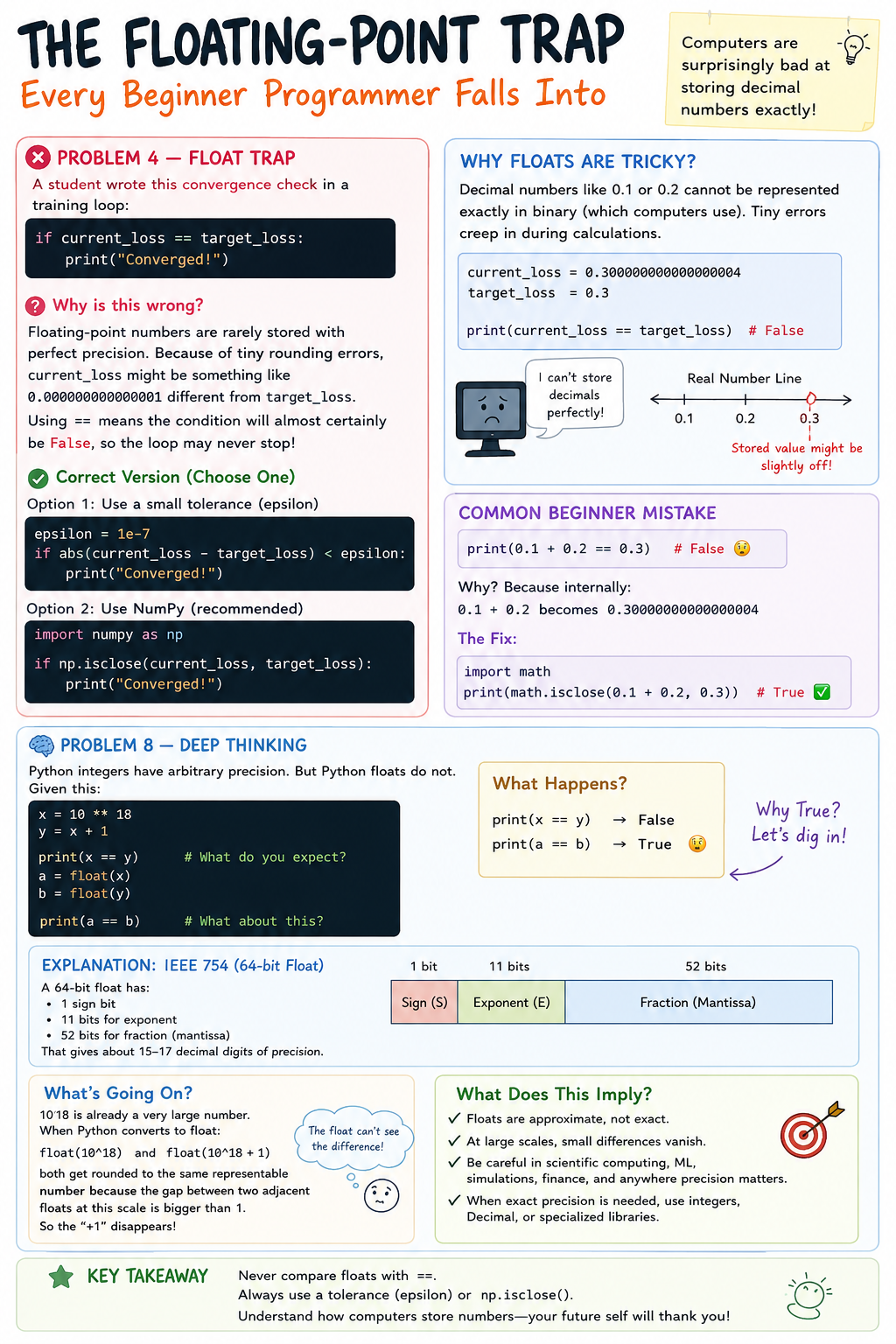
The Floating-Point Trap Every Beginner Programmer Falls Into
Computers are surprisingly bad at storing decimal numbers exactly.
At first, I thought this code was perfectly fine:
if current_loss == target_loss:
    print("Converged!")
Looks normal, right?
But this is actually a dangerous bug in numerical programming.
Why This Is Wrong
Computers store floating-point numbers in binary, not decimal.
Because of this, many decimal values cannot be represented exactly in memory. Tiny rounding errors appear during calculations.
So even if two numbers look equal, internally they may be slightly different.
For example:
current_loss = 0.30000000000000004
target_loss = 0.3

print(current_loss == target_loss)
output
FalseThat tiny difference breaks the comparison.
In machine learning, this can become a serious problem because training loops may never stop.
The Correct Way
Instead of checking for exact equality, we check whether the numbers are close enough.
epsilon = 1e-7

if abs(current_loss - target_loss) < epsilon:
    print("Converged!")
Here, epsilon is just a very tiny tolerance value.
This means:
“If the difference is extremely small, treat them as equal.”
This is the standard approach used in numerical computing.
Even Better: Use NumPy
If you're using NumPy, Python already gives you a safer solution:
import numpy as np

if np.isclose(current_loss, target_loss):
    print("Converged!")
This handles floating-point comparisons properly and is much cleaner.
Another Mind-Blowing Float Problem
Now look at this:
x = 10 ** 18
y = x + 1

print(x == y)

a = float(x)
b = float(y)

print(a == b)
What do you think happens?
The first comparison:
Falsemakes sense because integers in Python have arbitrary precision.
But the second comparison prints:
TrueAnd that feels completely wrong.
Why Does This Happen?
Python float uses the IEEE 754 64-bit floating-point format.
A float only has about 15–17 digits of precision.
But 10^18 is already too large.
So when Python converts these numbers into floats:
float(1000000000000000000)
float(1000000000000000001)
both get rounded to the same stored value.
The +1 disappears completely.
That’s why:
a == bbecomes True.
What This Means in Real Life
This matters a lot in:
Machine Learning
Scientific Computing
Simulations
Finance
Graphics Programming
Tiny numerical errors can slowly accumulate and create unexpected bugs.
That’s why experienced programmers avoid:
direct float comparison (==)
assuming decimals are exact
trusting very large floating-point values blindly
A Common Beginner Mistake Most Students Make
Another classic float trap:
print(0.1 + 0.2 == 0.3)Output:
FalseYes, seriously.
Because internally:
0.1 + 0.2actually becomes something like:
0.30000000000000004Again — floating-point precision.
The fix is the same:
import math

print(math.isclose(0.1 + 0.2, 0.3))Output:
True